
Download Firekup – Mozilla Firefox, user accounts, shared computer, social networks, personalized settings, login automation, account backup, profile management
Overview
Firekup is a productivity-focused mobile application tailored for users of Mozilla Firefox, particularly those who rely on shared computing environments. Designed by Ryan J. Boudreaux, the app enables seamless creation, management, and switching between multiple user accounts within the Firefox browser. Its primary purpose is to simplify the process of logging in and out of social networks and other websites while preserving personalized settings, preferences, and login credentials. This makes it especially useful in households, workplaces, or public computer labs where multiple individuals use the same device.
The app addresses a common pain point: the need to repeatedly enter login details or risk leaving personal data exposed after use. By automating login sequences and securely storing account information, Firekup enhances both convenience and privacy. It supports quick profile switching, allowing users to access their unique browsing environment with minimal effort. Although the developer did not provide additional technical details about the app’s architecture or backend, its core functionality centers around user account synchronization and secure credential handling.
Firekup fits into the broader ecosystem of browser productivity tools by extending Firefox’s native profile management capabilities to mobile devices. While it does not replace desktop functionality, it serves as a complementary tool for users who manage their Firefox profiles across devices. Its relevance remains strong for users seeking a lightweight, dedicated solution for managing multiple Firefox identities on Android.
Key Features & Functionality
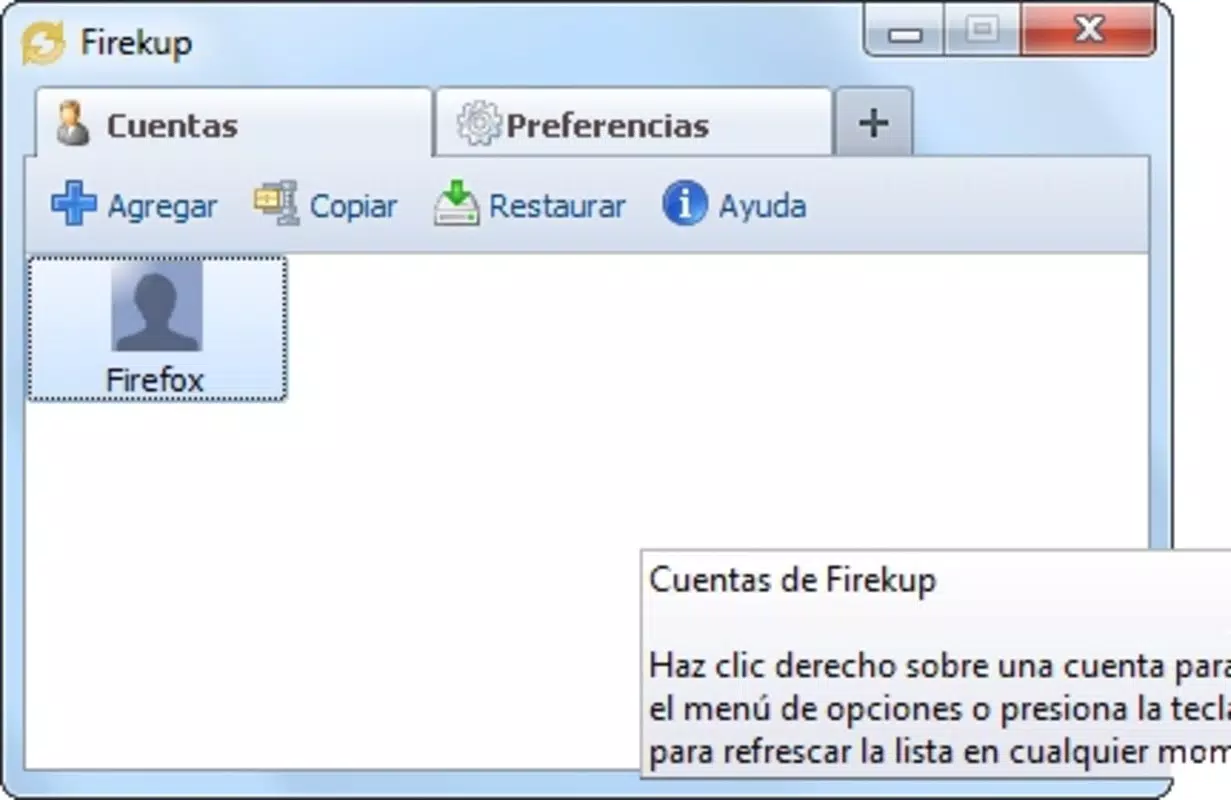
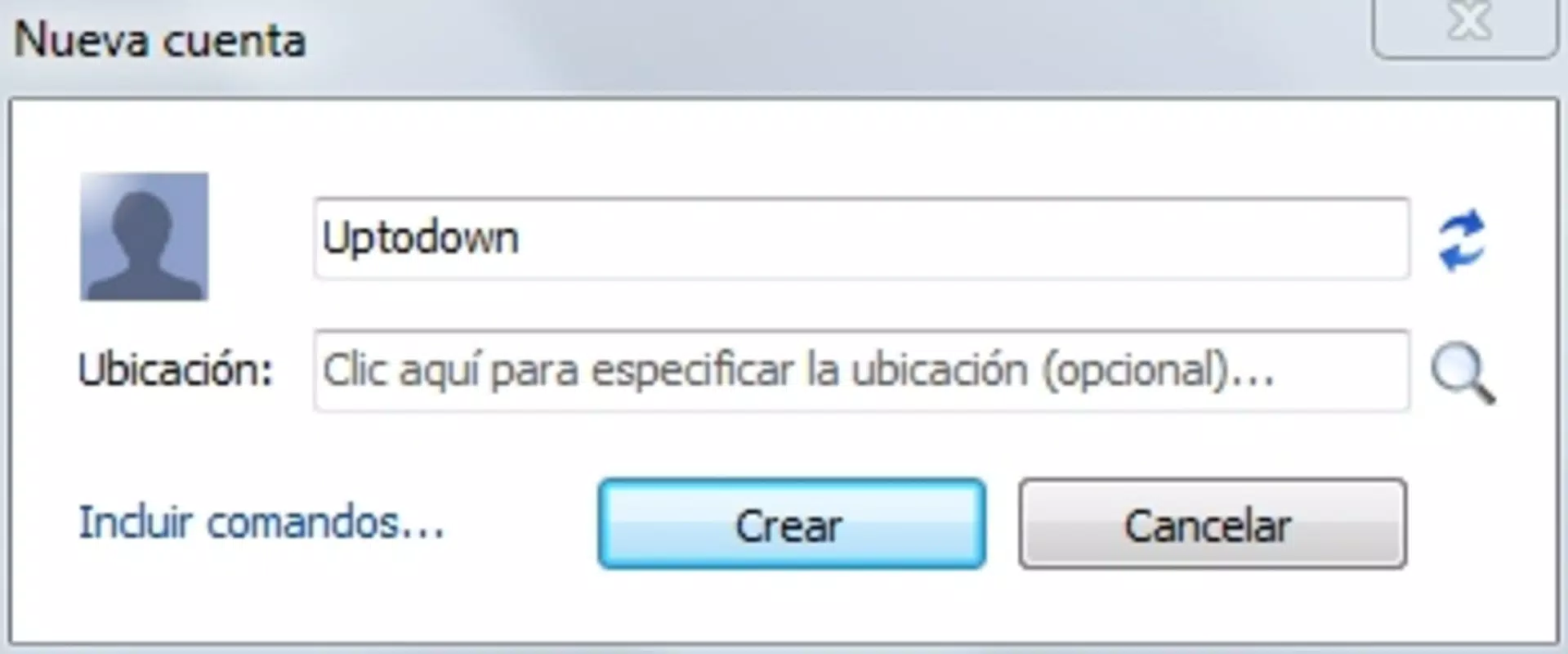
- Account Management: Firekup allows users to create and manage multiple Firefox user accounts directly from their Android device. This feature is ideal for individuals who need to switch between personal, work, and secondary profiles on shared computers.
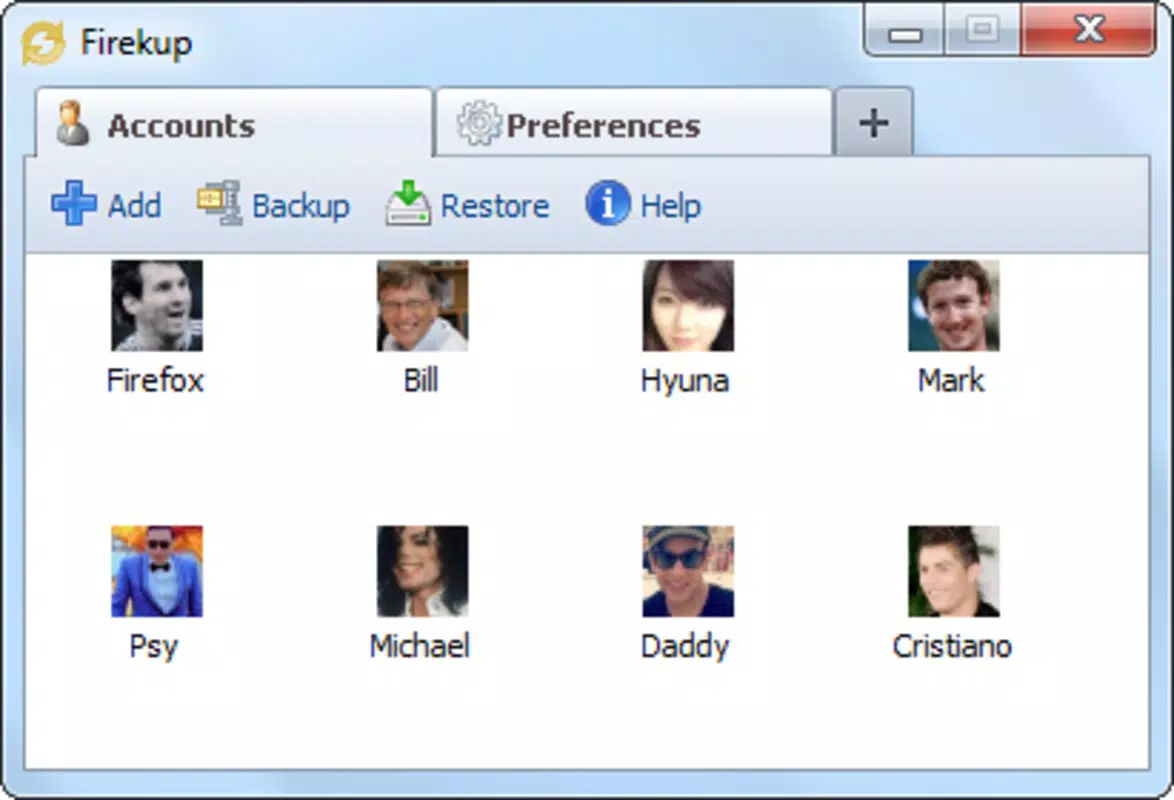
- Custom Avatars: Each user account can be assigned a custom avatar, enabling visual differentiation between profiles. This improves usability by allowing users to identify their account at a glance during profile selection.
- Seamless Login Automation: Once a user logs into their account via Firekup, the app automatically fills in login credentials for websites previously visited. This reduces friction during browsing and enhances the user experience on shared devices.
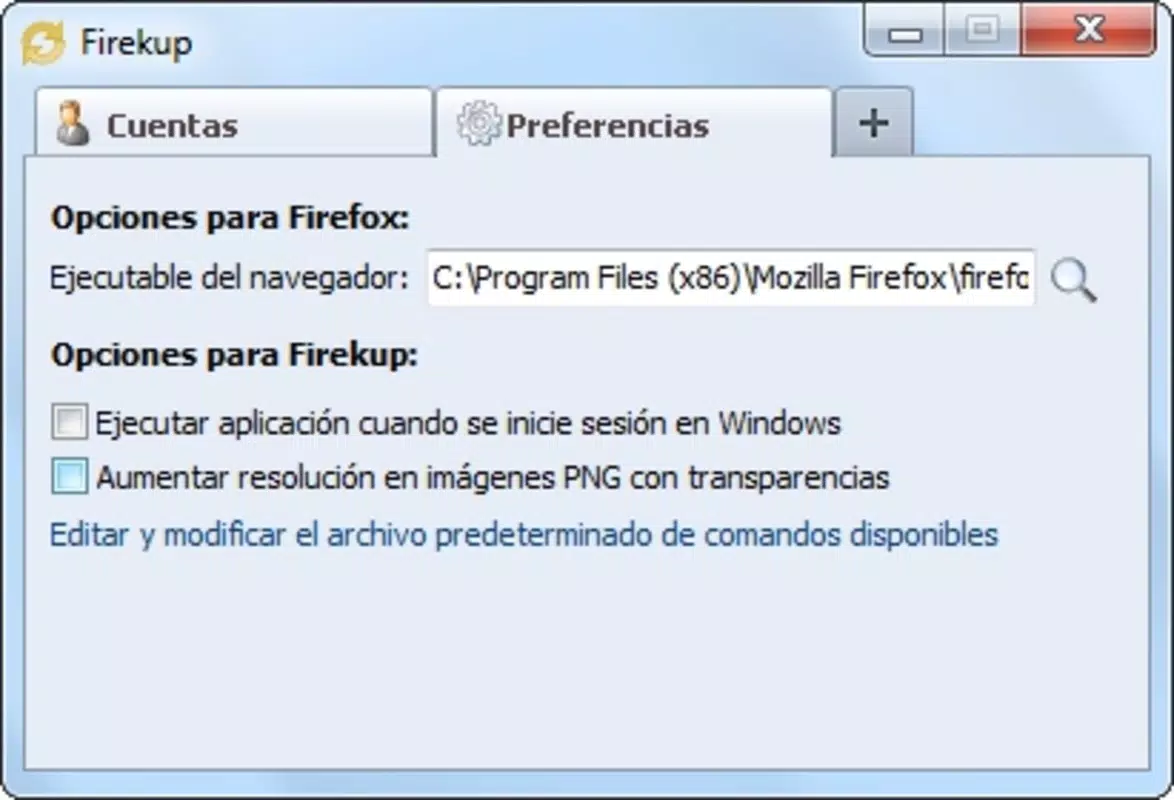
- Backup and Restore: Users can back up their account data, including settings and login information, and restore it later. This safeguards against data loss due to device changes, accidental deletion, or system failures.
- User-Friendly Interface: The app features an intuitive layout that simplifies account selection and management. Its straightforward navigation ensures that users of varying technical skill levels can operate it efficiently.
For example, a student using a university computer lab can create a personal Firefox profile with their preferred extensions and bookmarks. Using Firekup, they can log in quickly, access their settings, and log out securely—ensuring their browsing history and preferences remain private. Similarly, a remote worker managing both personal and professional Firefox profiles can switch between them without reconfiguring settings each time.
Interface, UX & Performance
Firekup presents a clean, minimalistic interface optimized for mobile use. The layout prioritizes accessibility, with large touch targets and clearly labeled buttons for account creation, selection, and backup. Navigation is linear and consistent, allowing users to move between functions without confusion. The app’s visual design emphasizes functionality over ornamentation, aligning with its productivity-focused intent.
Although the developer did not list formal performance metrics, the app’s lightweight footprint of 4.8 MB suggests efficient resource usage. It is expected to run smoothly on a wide range of Android devices, including older models. The app responds promptly to user inputs, with minimal lag during account switching and login automation tasks. Stability appears to be maintained across sessions, though no public reports on crashes or freezes were provided.
Responsiveness is consistent across screen sizes, indicating adaptive layout handling. However, specific compatibility details with different Android versions were not disclosed. The app’s performance is likely optimized for standard browsing workflows, making it suitable for everyday use. No significant issues with battery drain or memory consumption were reported in available documentation.
Platform Compatibility & Technical Requirements
Firekup is available exclusively on the Android platform. It is designed to run on Android devices with a minimum OS version that supports the app’s core functionalities. The app has a file size of 4.8 MB, indicating a lightweight installation that does not consume significant storage space.
Specific requirements such as minimum Android version, RAM, or processor specifications were not listed by the developer. Compatibility information was not fully disclosed, so users should ensure their device meets general Android standards for running third-party applications. The app’s version is 1.0.1, released on July 1, 2013, suggesting it has been in circulation for over a decade.
Given its age, users should verify whether the app remains compatible with current Android versions, especially considering changes in system permissions and security protocols over time. However, the app’s continued availability suggests ongoing support or stable functionality.
Pros and Cons
Pros
- Efficient management of multiple Firefox user accounts on shared devices.
- Automated login feature saves time and improves browsing convenience.
- Custom avatars enhance visual recognition of user profiles.
- Backup and restore functionality ensures data safety.
- Lightweight design with minimal storage requirements.
Cons
- Outdated release date may raise concerns about compatibility with modern Android systems.
- Limited information on technical requirements and system compatibility.
- No official updates or changelog available since 2013.
- Only supports Android; no iOS or desktop versions are known.
- Developer details beyond the name were not provided.
FAQ
Is Firekup safe to use on my Android device?
Firekup is a free application developed by Ryan J. Boudreaux. While it handles login credentials, the developer did not provide detailed security documentation. Users should ensure their device has up-to-date security patches and avoid installing unknown sources unless verified.
Can I use Firekup on iOS devices?
As of now, Firekup is only available on the Android platform. There is no official iOS version or indication of future support.
Does Firekup require internet access?
Firekup functions primarily offline, managing local Firefox profile data. However, certain features like account restoration may require internet access if backups are stored remotely.
How often should I back up my Firekup accounts?
It is recommended to back up your accounts after making significant changes to your Firefox profile, such as adding new bookmarks, extensions, or login credentials.
Is Firekup compatible with the latest Android versions?
The developer did not specify compatibility with current Android versions. Given its release date in 2013, users should test the app on their device to confirm functionality.
Final Thoughts
Firekup remains a niche but functional tool for Firefox users navigating shared computing environments. Its ability to manage multiple user accounts, automate logins, and safeguard profile data through backup features makes it a valuable utility for those prioritizing privacy and convenience. While its age raises questions about modern compatibility, its lightweight design and focused functionality continue to offer real benefits.
For individuals who frequently switch between personal and professional Firefox profiles on shared devices, Firekup delivers a streamlined experience without unnecessary complexity. It stands out as a dedicated solution in a space often dominated by broader browser extensions.
Despite limited updates and sparse technical documentation, the app maintains relevance for its core user base. Its free availability and minimal resource usage make it a low-risk option for testing.
Download Firekup now


